Unlimited local scans, batch capture, manual crop, rotate, basic image enhancement, and PDF or JPG export ship in the free download.
iOS utility · local first · Free + Pro IAP TestFlight · release prep
VaultScan
A private PDF scanner that stays on the phone.
offline
core workflow
0
accounts required
Free + Pro IAP
paid app price
What it does
Turn the iPhone into a private document scanner for receipts, notes, forms, IDs, books, and whiteboards. Free download with optional Pro in-app purchases for HD scans, batch OCR, and watermark-free export.
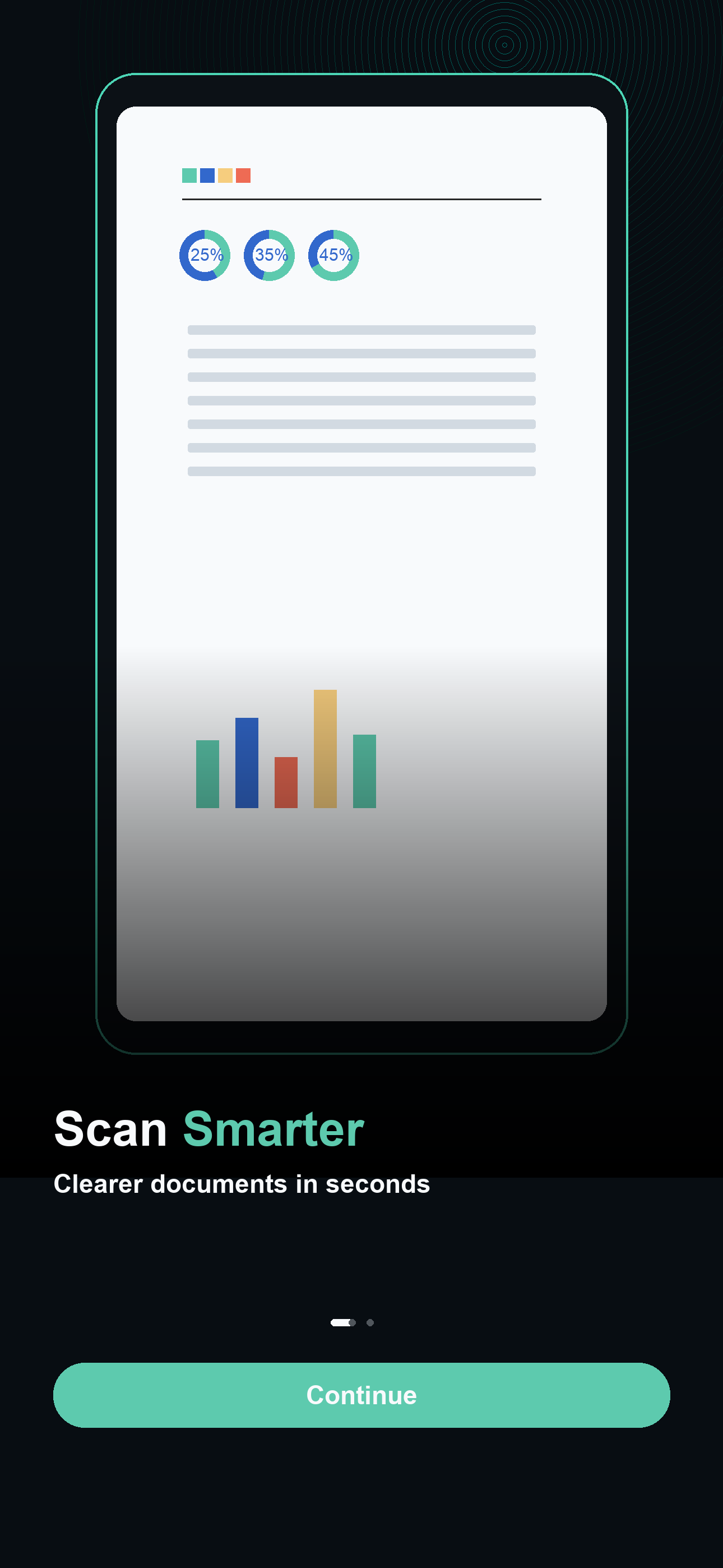
VaultScan PDF keeps the scan-to-PDF loop deliberately small: a focused camera, page edge review, on-device cleanup, and PDF, JPG, or TXT export. Scans stay on the device until you choose to share them. There is no account and no backend dependency for the core workflow.
Run text recognition locally so receipts, forms, and notes can be read or copied without sending pages to a backend.
Optional Pro unlocks HD scans, batch OCR, searchable PDFs, Word-style text export, password export, stamps, signatures, and merge/split tools.
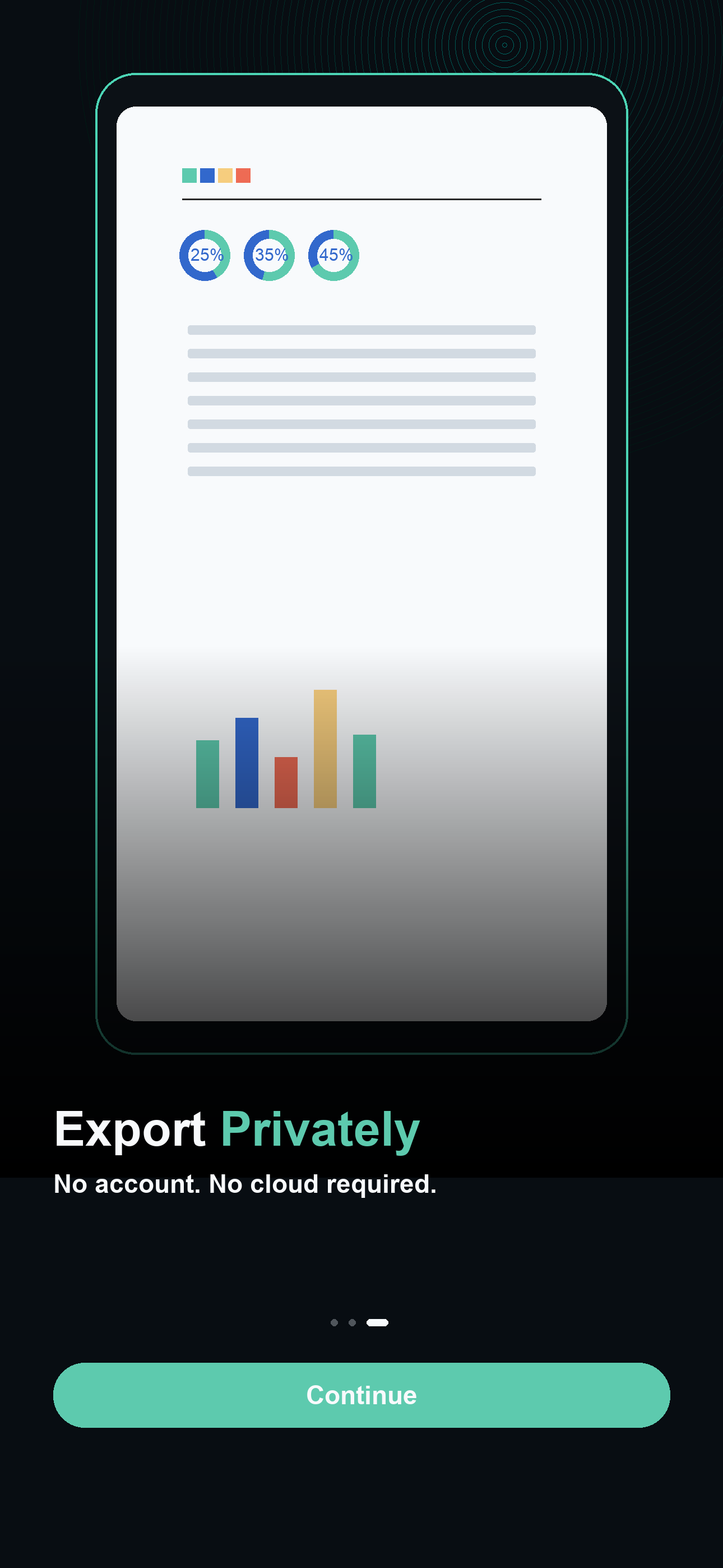
Core scanning, editing, OCR, library storage, and export work locally after install. No login, sync service, or backend dependency.
Workflow
Fast enough to use in the moment.
The app is designed around repeat use: open it, make the local calculation or plan, save the result, and get back to the work.
01
Scan a page
Open the camera, frame the document, and let on-device edge detection capture a clean page.
02
Edit and OCR
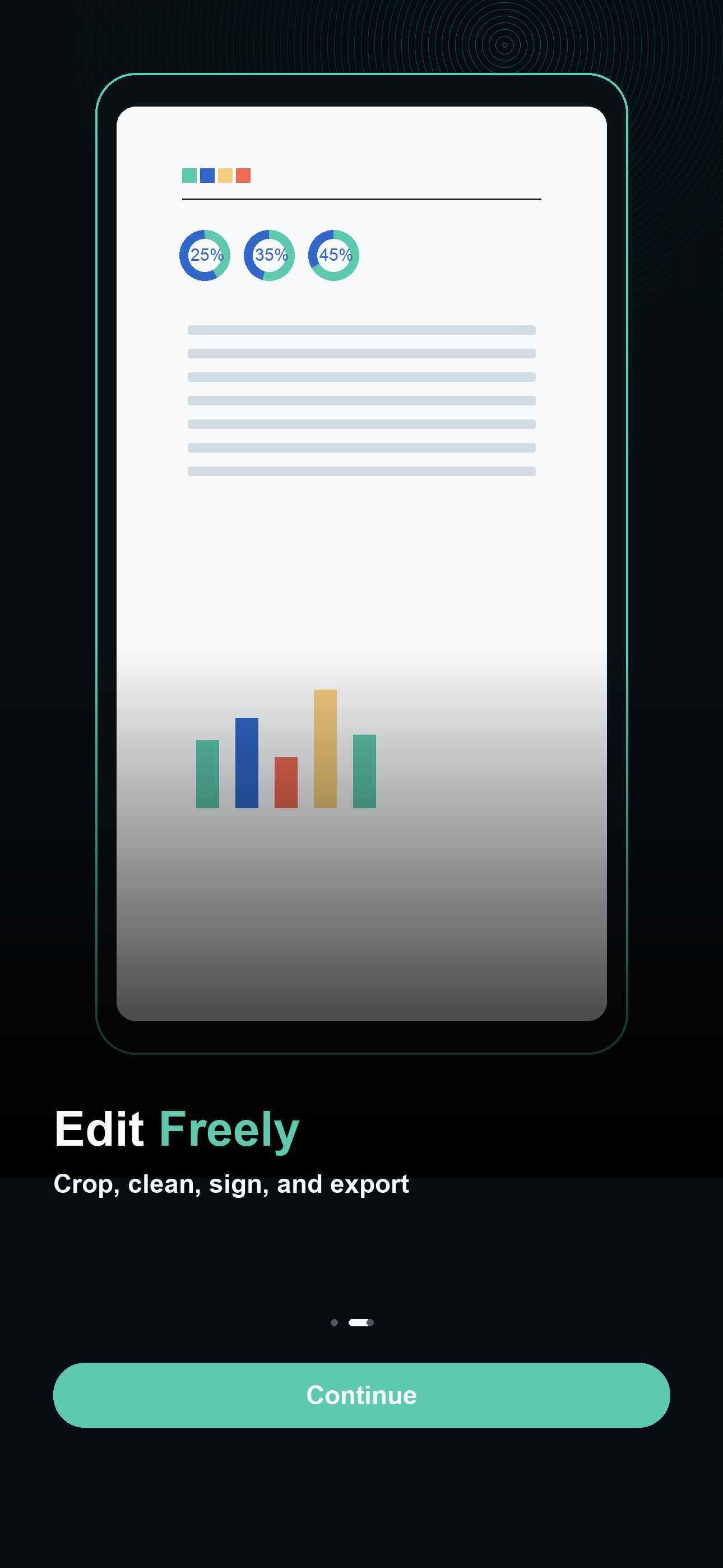
Crop, rotate, enhance, and run text recognition locally before saving the result to the library.
03
Export privately
Compile pages into a PDF, JPG, or TXT and share through the iOS share sheet only when you are ready.
Useful for
Focused jobs, no login detour.
ReceiptsField formsID copiesNotesBooks and articlesWhiteboards
Two ways to use it
Wait for the App Store, or buy the source today.
VaultScan is in TestFlight. The full Swift source is available now on the marketplace — fork it, ship it under your own bundle ID, relicense it. Or wait for the public App Store release.